Replay Browser
Replay Node
Replay Node is a Node.js 26 runtime for Linux that records scripts and servers so they can be replayed and inspected the same way as browser recordings.
Basics
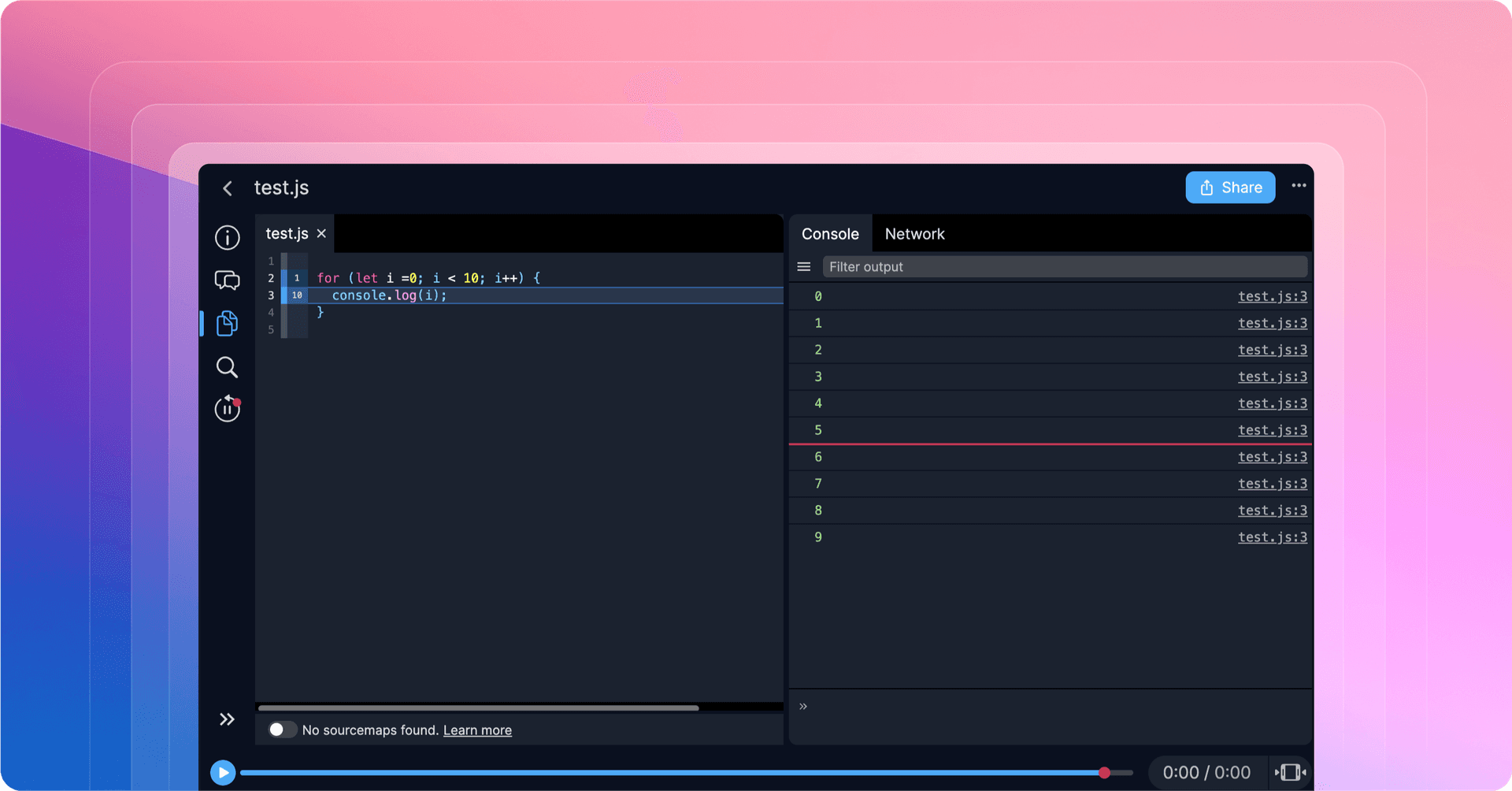
Replay Node is a build of Node.js that records everything a Node process does: scripts, servers, test runners, and build tools. It applies the same recording approach as Replay Browser to Node.js. Recordings upload with the Replay CLI and open in Replay DevTools or through Replay MCP like any other recording.
The current release is based on Node 26.13.1.
| Platform | Supported |
|---|---|
| Linux x86-64 | Yes |
| macOS | No |
| Windows | No |
Install Replay Node
Install the Replay Node package globally:
Terminal
This installs the replay-node command. The first time you run it, it downloads the Replay Node runtime to ~/.replay/node/node.
Record your script
Use replay-node in the same way that you would use node to run your script:
Terminal
Each run creates one recording, which is saved when the process exits. To record a server, start it with replay-node, make the requests you want to capture, then stop it with Ctrl+C.
Upload your replay
Upload your recordings with the Replay CLI:
Terminal
replayio list shows your local recordings, including Node recordings, with the script name as the title.
View your replay
The CLI will upload your replays and provide you with a link to view them.
Terminal
Open the link in Replay DevTools, or give the recording ID to an agent that uses Replay MCP.
Updating Replay Node
replay-node only downloads the runtime when ~/.replay/node/node is missing. It does not check for new releases on its own. Run this to update to the latest release:
Terminal
If you installed Replay Node before the Node 26 release, run replay-node --update once to replace the older runtime.
FAQ
How do I use Replay Node with TypeScript?
Replay Node 26 runs TypeScript files directly with Node's built-in type stripping:
Terminal
This works the same as in regular Node: type stripping only removes type annotations. Files that use TypeScript features that need code generation, such as enum and namespace, fail with ERR_UNSUPPORTED_TYPESCRIPT_SYNTAX. Compile those files to JavaScript with tsc first, then record the output with replay-node.
How do I record a command that starts Node itself?
Use --exec for tools such as npm, npx, or a test runner that start their own Node processes:
Terminal
--exec puts Replay Node first on your PATH and runs the command. Every Node process it starts is recorded separately, including the npm process itself. Use replayio upload to choose the recordings you want.
Where are recordings stored?
Recordings are saved in ~/.replay, where replayio list and replayio upload find them. Set the RECORD_REPLAY_DIRECTORY environment variable to use a different directory.