Sharing and teams
Share a recording with a person or a team, move recordings between teams, create a team, and manage team API keys.
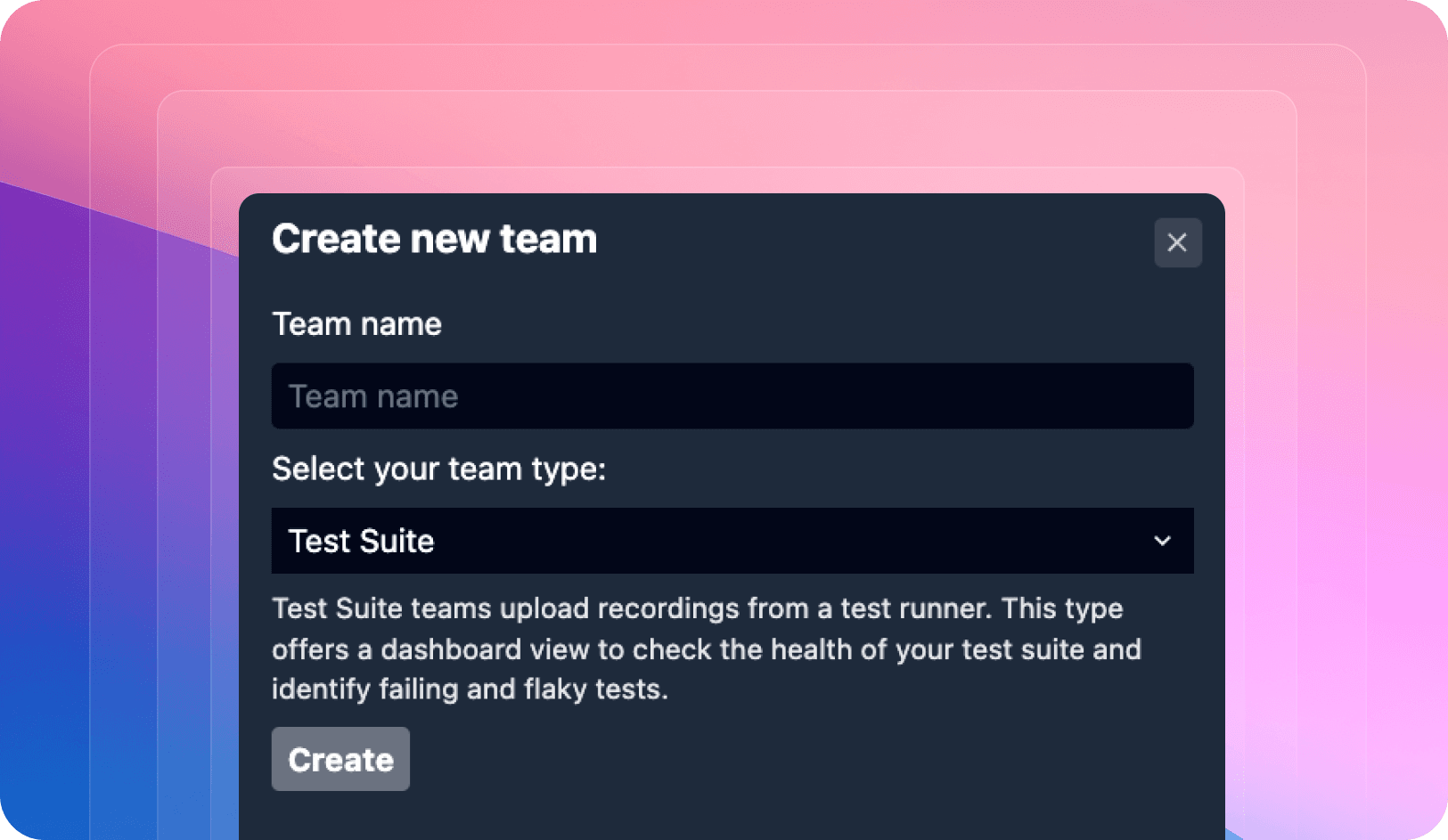
Recordings belong either to you or to a team. Team recordings can be opened by any team member and are where the team's API keys upload to. The Share button in the top right of a recording controls who else can open it.
Share a recording with a person
- Click Share in the top right of the recording.
- Type an email address into the Add People field.
- Press Enter.
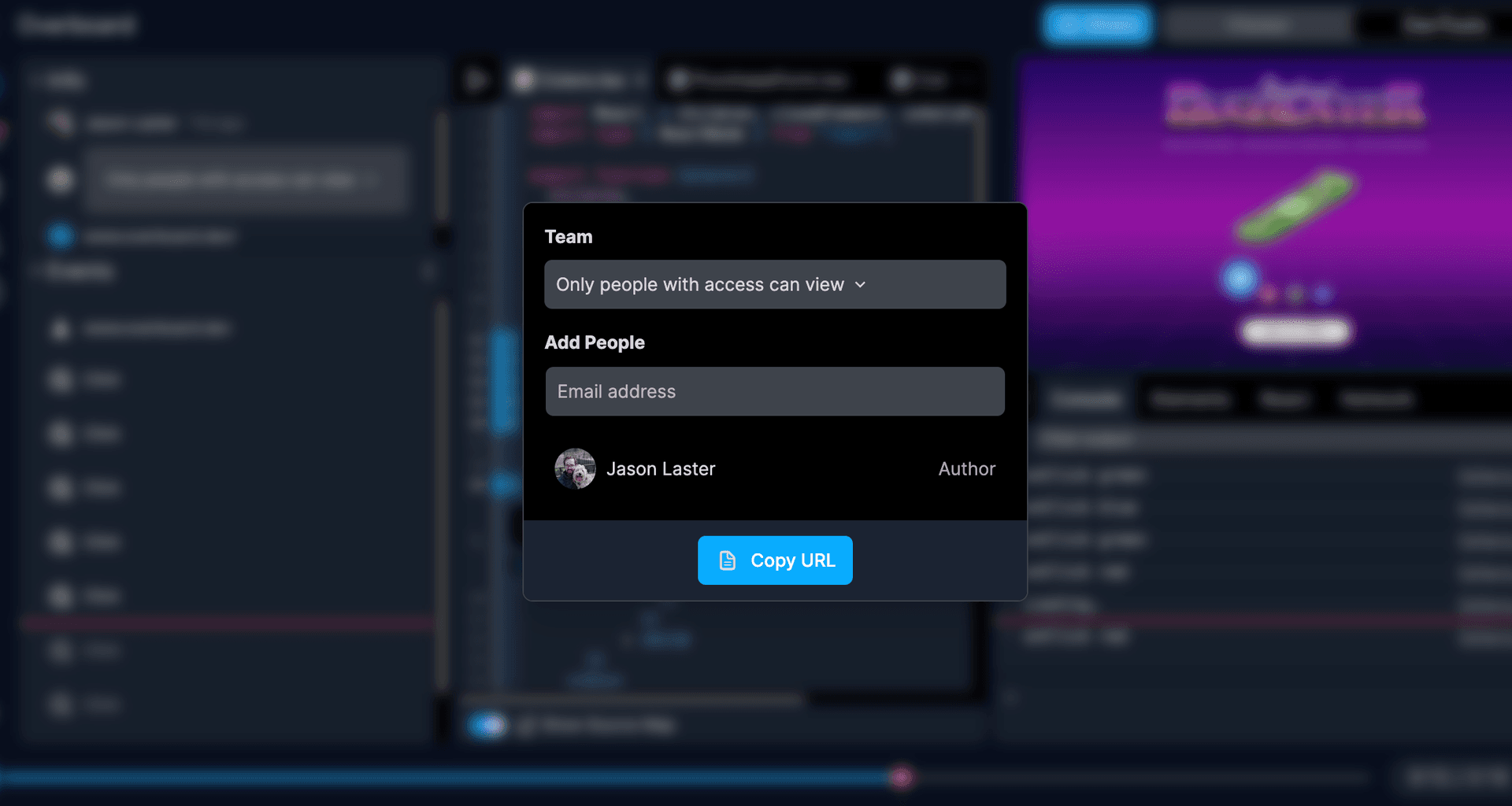
The recording URL itself carries your current position and open panels, so once someone has access, sending them the URL from your address bar shows them exactly what you were looking at. See Collaborating on a recording.
Move a recording to another team
- Click Share in the top right of the recording.
- Open the Team dropdown.
- Select the team.
Recordings uploaded with a team's API key land in that team automatically.
Create a team
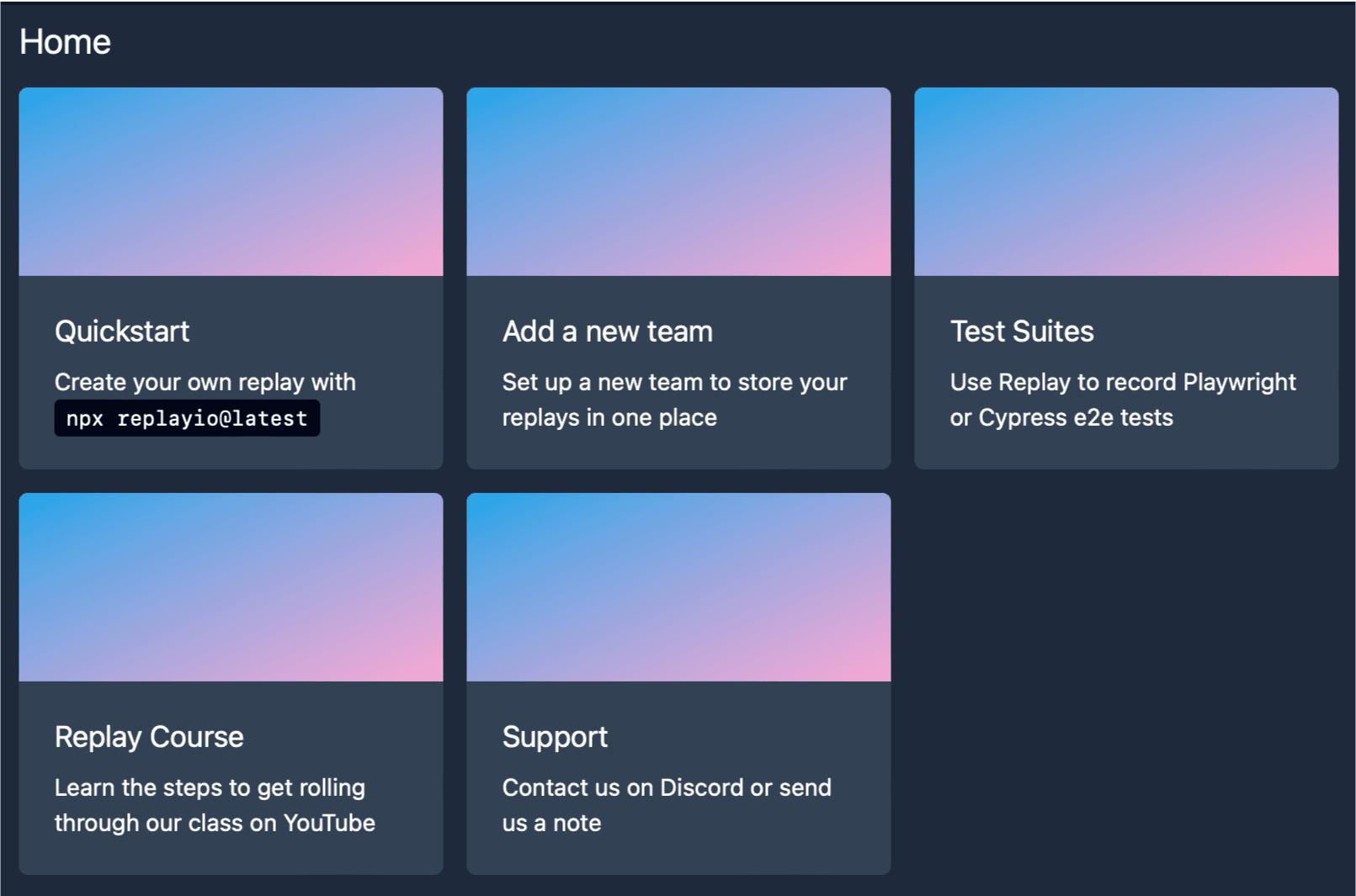
- Open the Replay app.
- Click Add a new team.
- Name the team.
- Invite members by email address or with the invite link.
Team API keys
A team API key uploads recordings and source maps into the team from CI or from a coding agent, and authorizes Replay MCP to read the team's recordings. Creating and using keys is covered in API keys and tokens. This is the app.replay.io API key; Replay QA uses a separate token, described on the same page.